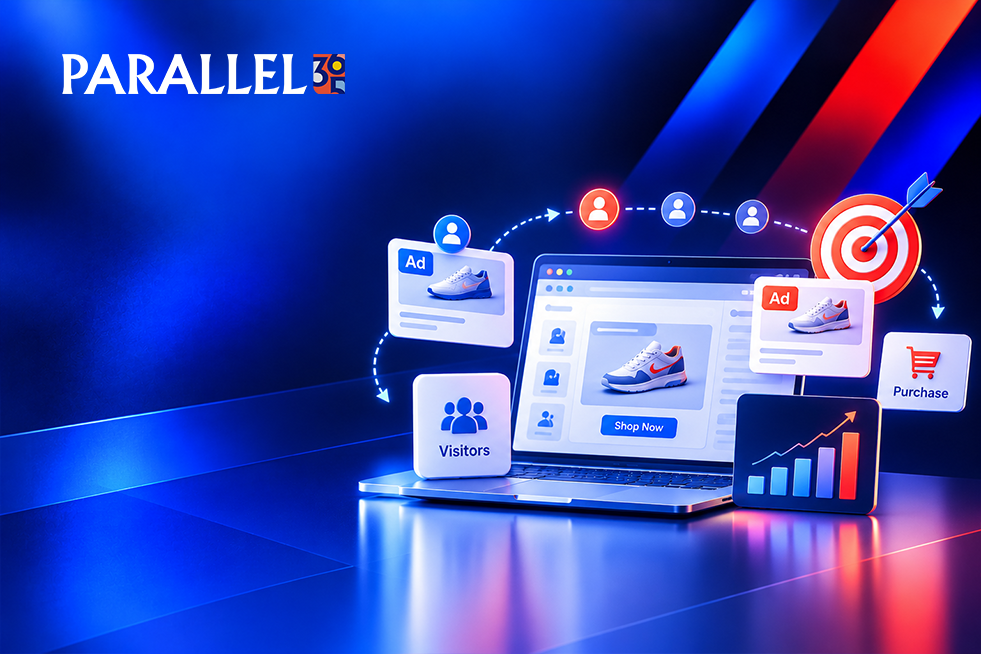
Someone visits your website, reads your services, maybe even adds a product to their cart. Then they get distracted, close the tab, and never come back. It happens to nearly every business, and it’s a lot of effort wasted.
Retargeting ads give those visitors a second chance to become customers. This guide explains retargeting ads for small business in plain language, then walks through how to set up retargeting ads on Google and Meta, step by step. It’s written for busy owners and teams who want clear instructions, not jargon.
What Are Retargeting Ads?
Retargeting ads are ads shown to people who have already visited your website or interacted with your business. A small piece of tracking code remembers who stopped by, so you can show them a helpful reminder as they browse Google, YouTube, Facebook, or Instagram.
Think of it as a friendly nudge, not a cold pitch. These people already know you, which is why retargeting is often a cost-effective way to turn interest into action. Retargeting is one part of a broader performance marketing strategy that connects paid campaigns with measurable business results.
Remarketing vs Retargeting: Is There a Difference?
For most small businesses, no. The two terms are used almost interchangeably. Google calls its version remarketing. “Retargeting” is the more common word for similar ads on platforms like Meta. Some marketers also use “remarketing” for follow-up emails.
What matters is the goal: bringing back people who’ve already shown interest. So don’t get stuck on remarketing vs retargeting. Focus on where your audience spends time.
Google Ads Remarketing vs Facebook Retargeting Ads
Google Ads remarketing shows your ads to past visitors across Google Search, YouTube, and partner websites. Facebook retargeting ads, run through Meta, show your ads on Facebook and Instagram. Many businesses use both.
| Factor | Google Ads Remarketing | Meta (Facebook and Instagram) |
|---|---|---|
| Where ads appear | Search, YouTube, partner sites | Facebook and Instagram feeds and stories |
| Tracking tool | Google tag | Meta Pixel |
| Best for | Reaching people who are actively searching or browsing | Staying visible and showing visual products or offers |
| Setup needs | Google Ads account and tag | Meta Business account and Pixel |
If you’re deciding how much to invest in paid campaigns, our guide to Google Ads budgets for small businesses can help you understand the costs involved.
How to Set Up Retargeting Ads in 7 Steps
This retargeting campaign setup works for both platforms. Follow the steps in order.
1. Set a clear goal. Decide what you want people to do: call, fill out a form, book, or buy. One goal per campaign keeps things simple.
2. Check your privacy policy and consent settings. Tracking visitors means telling them. Update your privacy policy and use a cookie consent banner where required. Rules vary, so check what applies to you.
3. Install your tracking tags. For Google Ads remarketing, add the Google tag to your site. For Meta Pixel retargeting, install the Meta Pixel. Privacy changes mean browser tracking isn’t perfect, so consider adding Meta’s Conversions API for better accuracy. Then check that everything works using Google’s Tag Assistant and Meta’s Pixel Helper.
4. Build your audiences. Group visitors by what they did, such as viewed a service page, started a form, or added to cart. Always exclude people who already bought.
5. Let your audience grow. Platforms need a minimum number of people before ads will show. Those minimums have changed over time, so check the current requirement in your account, and give your tags a few days to collect data.
6. Create simple, friendly ads. Remind people what they looked at, offer a clear next step, and send them to a page that matches the ad, not just your homepage.
7. Start small, launch, and review. Begin with a modest budget and set a limit on how often one person sees your ad. Check results after two to four weeks, then adjust.
Audience Ideas to Start With
| Who You Target | What to Say |
|---|---|
| Visited a service page | “Ready for a quote? Here’s what to expect.” |
| Started a form but didn’t finish | “Pick up where you left off.” |
| Added to cart but didn’t buy | A reminder of the item, and maybe a small incentive |
| Read a blog post | A helpful guide or a soft next step |
| Past customers | A thank-you, a review request, or a repeat offer |
Quick Diagnosis: What’s Going Wrong?
| What You’re Seeing | Check |
|---|---|
| Your ads aren’t showing | Audience size, tag installation, budget |
| Lots of clicks, few leads | Landing page and ad message |
| People see your ad too often | Frequency limit and excluded customers |
| You can’t tell what’s working | Conversion tracking and goals |
Mistakes That Make It Worse
While setting up, avoid a few common traps that waste budget or annoy customers:
Showing ads to people who already bought. Exclude customers, unless you’re deliberately offering them something new.
Overexposing people. Seeing the same ad again and again feels like stalking. Set a frequency limit.
Skipping privacy and consent. It can create legal trouble and damage trust.
Sending clicks to a homepage. Use a focused page with one clear action.
Expecting retargeting to replace traffic. It brings back visitors. You still need ways to attract them, like SEO and search ads. Our guide to common small business marketing mistakes covers other issues that can waste your marketing budget.
How Long Does It Take to See Results?
Setup can often be done in a few days. Your audiences then need some time to fill. Many businesses see early signals within the first two to four weeks, and steadier results over the next two to three months as ads and audiences get refined.
When to Work With a PPC Partner
Many small teams can run a basic campaign on their own. It makes sense to bring in help when:
• Your tracking isn’t working, or you’re unsure it’s accurate
• You’re running Google and Meta ads and can’t tell which one drives results
• You’ve launched retargeting but leads and sales aren’t improving
• You want ads, your website, and your follow-up working together
Whoever you hire, make sure you own your ad accounts and tracking tags, ask for reports that show leads and sales rather than just clicks, and avoid anyone who guarantees results. Businesses that need a more connected approach can explore Parallel 365’s Service-Based Businesses Solution or browse growth solutions by business type.
Frequently Asked Questions
What are retargeting ads?
They’re ads shown to people who have already visited your website or engaged with your business, reminding them to come back and take action.
What’s the difference between remarketing and retargeting?
Mostly the wording. Google calls its version remarketing, while retargeting is the common term elsewhere. Both aim to re-engage past visitors.
Do retargeting ads work for small businesses?
They can, especially when you have steady website traffic. They’re often a cost-effective way to convert people who already showed interest.
Do I need the Meta Pixel for Facebook retargeting ads?
Yes. The Meta Pixel tracks visitor actions so you can build audiences. Adding the Conversions API can improve accuracy.
How much should I spend on retargeting?
Start small, enough to reach your audience consistently, then adjust based on results. The right amount depends on your goals and traffic.
How long should I retarget someone?
It depends on your sales cycle. Shorter for quick purchases, longer for services with a longer decision. Review it as you learn.
Want help bringing back the visitors you’ve already paid to attract? Parallel 365’s Performance Growth & Lead Generation team builds paid media as part of a connected growth system, so more of the people who find you turn into calls and customers. Explore Growth Strategy & Market Expansion to see how paid campaigns can fit into a wider marketing plan. Visit Parallel 365 to learn more about its integrated growth approach. Schedule a strategy review to find out where retargeting fits in your plan.