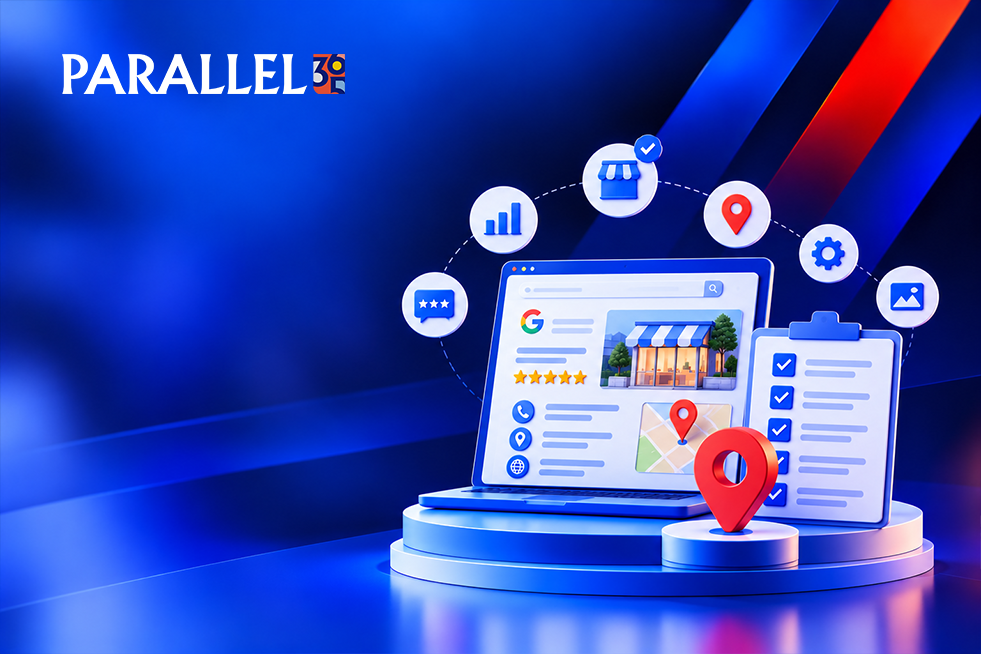
When someone nearby searches for what you sell, the businesses at the top of the map get the calls. Your Google Business Profile is the single most important free tool for joining them, and most small businesses set it up once and never touch it again.
This Google Business Profile checklist gives you 15 clear points to work through, in order. Use these Google Business Profile tips to optimize your Google Business Profile in an afternoon, then keep it fresh with a few minutes a week. It’s written for busy owners who want plain steps, not jargon.
How to Rank on Google Maps: The Short Version
Google ranks local businesses using three ideas. Relevance is how well your profile matches the search. Distance is how close you are to the searcher. Prominence is how trusted and well-known you appear, based on reviews, mentions, and your website.
You can’t move your customers, but you can improve the other two. Every point below supports one of these ideas.
If your business isn’t appearing on Google Maps, read our guide to fixing businesses that aren’t showing on Google Maps for additional troubleshooting tips.
The Foundation (Points 1 to 3)
1. Claim and verify your profile. If you haven’t claimed it, you can’t control it. Search for your business on Google Maps, choose “Claim this business,” and complete verification.
2. Use your real business name. Your name should match your sign and your website. Adding keywords or locations to it breaks Google’s rules and can get your profile suspended.
3. Pick the most specific primary category. Your main category is one of the strongest signals you control. “Plumber” beats “Home Services.” Then add a few accurate secondary categories.
For businesses that depend on local customers, explore our Local Business Solution to see how local visibility, customer acquisition, and retention work together.
Complete Your Profile (Points 4 to 7)
4. Add accurate hours. Include holiday and seasonal changes. Wrong hours frustrate customers and cost you trust.
5. Match your name, address, and phone everywhere. Google cross-checks your profile against your website and directories. Pick one exact format and use it across the board.
6. Write a clear description. Say what you do, who you serve, and what makes you different, in plain language written for customers, not stuffed with keywords.
7. List your services and products. Add each one with a short, helpful description. This helps Google match you to more searches and shows customers exactly what you offer.
Show You’re Real and Active (Points 8 to 11)
8. Upload real photos. Add clear pictures of your storefront, team, work, and products, and refresh them often. Skip stock images. Real photos build trust.
9. Post updates regularly. Share offers, projects, and news every week or two. It signals that your business is open and active.
10. Earn reviews steadily. Ask happy customers directly with a simple link. A steady stream of fresh, detailed reviews beats a one-time burst.
11. Reply to every review. Thank positive reviewers and respond calmly to negative ones. A helpful reply shows future customers who you are.
Connect and Convert (Points 12 and 13)
12. Link to the right page on your website. Send people to the page that best matches what they need, whether that’s a service page, a location page, or a booking page, rather than always the homepage.
13. Set your service area and pin correctly. If you travel to customers, list the towns you serve. If you have a storefront, make sure your map pin is exactly in the right spot.
For service providers looking to turn local visibility into more enquiries, explore our Service-Based Business Solution.
Track and Maintain (Points 14 and 15)
14. Check your performance each month. Review your searches, views, calls, direction requests, and website clicks. Tracking shows which points are working and where to focus next.
15. Keep your information fresh. Review your profile for suggested edits or changes you didn’t make, and update details whenever something changes. A quick monthly check keeps it accurate.
Quick Diagnosis: Where Should You Start?
| What You’re Seeing | Start With |
|---|---|
| Your profile doesn’t show up | Points 1 to 3: claim, name, category |
| You show up but get few calls | Points 4, 8, and 12: hours, photos, website link |
| Competitors outrank you | Points 9 to 11: posts, reviews, replies |
| Customers find wrong details | Points 5, 13, and 15: consistency, pin, updates |
Beyond Your Profile: A Quick Local SEO Checklist
Your profile works best when the rest of your online presence backs it up. Use this local SEO checklist as your next step:
- A fast, mobile-friendly website with a clear page for each service and location
- Consistent business details across directories and social profiles
- Local links and mentions from the chamber of commerce, local news, and community partners
- Reviews on other trusted sites, not only on Google
- A simple monthly check of your rankings from different spots in your service area
For more practical advice on improving your overall marketing, see our 15 small business marketing mistakes and how to fix them.
Local Tips for New Bedford, MA Businesses
If you’re working on Google Business Profile optimization in New Bedford, MA, a few local touches can help:
- Name the nearby towns you serve, such as Fairhaven or Dartmouth, in your description and service area
- Update your hours and offers for local seasons and busy periods
- Search for your services from different parts of the area to see how your visibility changes
Mistakes That Make It Worse
While you optimize, avoid a few common traps that can undo your progress:
Setting it up once and walking away. An inactive profile slowly falls behind active competitors.
Using the same description everywhere. Copy-pasted text from your website adds nothing. Write for the profile.
Ignoring changes you didn’t make. Others can suggest edits. Check regularly so wrong details don’t stay live.
Forgetting to update hours. Showing “open” when you’re closed is one of the fastest ways to lose a customer.
Chasing rankings instead of calls. Rankings matter, but calls, visits, and direction requests are what grow your business.
How Long Does It Take to See Results?
Basic fixes like claiming, completing, and correcting your profile can show results within days to a few weeks. Climbing into the top three for competitive searches typically takes three to six months of consistent work, since reviews, links, and content build gradually.
When to Work With a Local SEO Expert
Most of this checklist is very doable on your own. It makes sense to bring in a local SEO expert or a Google Business Profile management service when:
- Your profile has been suspended and reinstatement keeps failing
- You manage multiple locations
- You’ve finished the checklist and still can’t break into the top three
- You don’t have time to manage reviews, posts, and tracking every week
Whoever you hire, make sure you keep ownership of your profile, ask for monthly reports that show calls and direction requests, and avoid anyone who guarantees a number one spot. Our guide to local SEO pricing breaks down what each package should include.
For businesses looking for a broader growth strategy, our Growth Strategy & Market Expansion services can help align marketing priorities with business goals. You can also explore our Performance Growth & Lead Generation services for SEO, paid campaigns, and measurable lead generation.
Frequently Asked Questions
What is Google Business Profile optimization?
It’s the process of completing and improving your profile so it ranks higher in local search and Google Maps, and turns more views into calls, visits, and customers.
How do I rank on Google Maps?
Verify your profile, choose the right categories, keep your business details consistent, earn regular reviews, add real photos and posts, and build local mentions and links.
How often should I update my Google Business Profile?
Post every week or two, add new photos regularly, and check your details at least once a month. Update hours and offers whenever they change.
Is a Google Business Profile free?
Yes. Creating and managing a profile costs nothing. You only pay if you choose to run ads or hire help.
How many categories should I add?
Choose one specific primary category and a few accurate secondary ones. Only add categories that truly describe what you do.
Do I need a website to have a Google Business Profile?
No, but a clear, fast website helps a great deal. It supports your relevance and prominence, and gives customers more to explore.
Finished the checklist and still not seeing results? Parallel 365‘s Performance Growth & Lead Generation team builds local visibility as part of a connected growth system, so more of the people who find you turn into calls and customers. Schedule a strategy review to find out what’s holding your profile back.